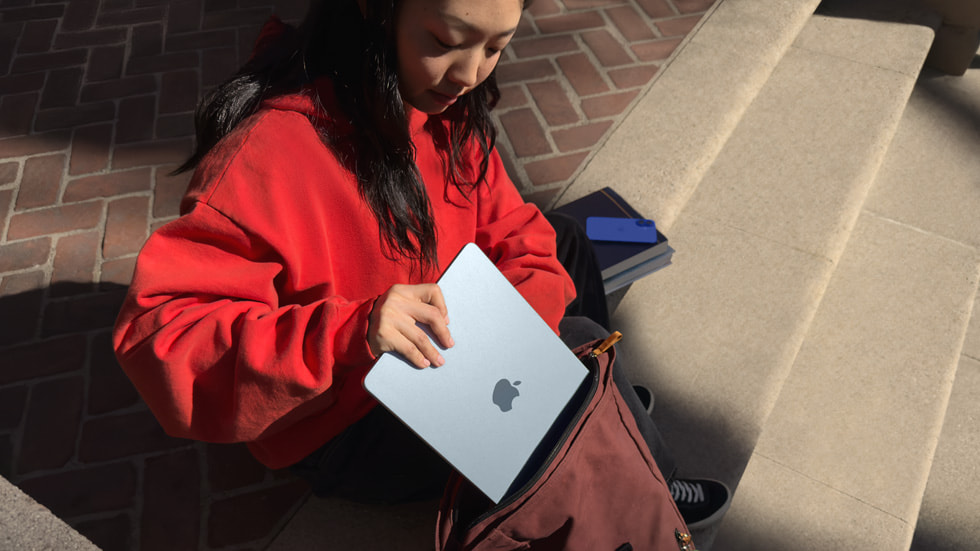
Compare what matters to you.
A starting point based on the official documentation linked below, not a hands-on ranking.
| Your priority | MacBook Air M4 (13-inch, 2025) | Surface Laptop (13-inch, Snapdragon, 2025) |
|---|---|---|
| Main decision | Your required apps work on macOS | Your required apps work on Windows on Arm |
| Touch input | Non-touch display | Touchscreen |
| Connections | MagSafe and two Thunderbolt 4 ports | Two USB-C ports and USB-A |
| Before buying | Check memory, storage and display support | Check app, peripheral and display compatibility |
The exact models in this comparison
Specification-based comparison, not a hands-on test. Checked November 4, 2026. We compare the 13-inch MacBook Air with M4 (2025) and the 13-inch Surface Laptop with Snapdragon X Plus (2025). This is not a comparison of every MacBook or Surface, or a claim that these are the newest models.
Apple's M4 Air has a 13.6-inch display and a fanless design. Microsoft describes its 13-inch Surface as a touchscreen laptop powered by an eight-core Snapdragon X Plus. These differences are useful starting points, but your required software should decide which system remains on the shortlist.
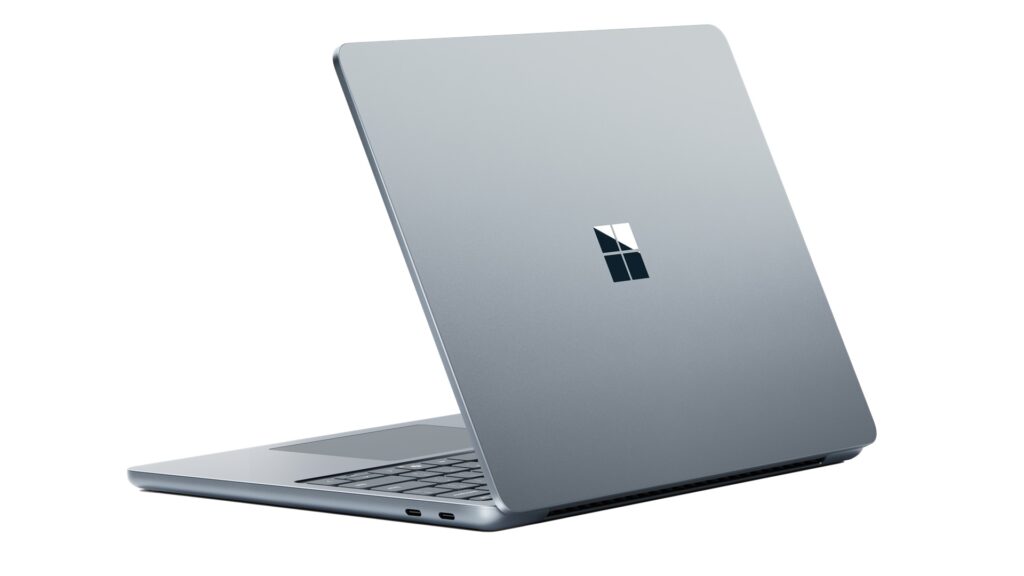
Start with applications, not chip names
Write down the applications, plug-ins and peripherals you cannot replace. Check support for the exact operating system and processor in each listing. Do not assume that an application working on another Windows computer will behave identically on a Snapdragon model, or that a Mac version offers every feature of its Windows counterpart.
For a browser-based school or office workflow, test document formatting, video meetings and file sharing. For creative work, check codecs, plug-ins, external drives and the memory configuration. Those practical checks are more valuable than comparing unrelated manufacturer benchmark claims.
Screen, connections and everyday handling
The Surface's touch input may matter if you prefer tapping or scrolling directly on the screen. The M4 Air is a conventional non-touch laptop. Try the keyboard and trackpad before deciding; specifications cannot tell you which one feels comfortable.
Apple lists MagSafe and two Thunderbolt 4 ports for this Air. Microsoft's specification sheet lists two USB-C ports and USB-A for the 2025 Snapdragon Surface. Count your actual accessories and include adapters in the total purchase cost. Verify external-display support for the configuration you intend to buy.
Which should you shortlist?
Consider the Air if your essential software and existing workflow fit macOS. Consider the Surface if Windows compatibility and touch are priorities, after checking your applications on this processor. Neither conclusion is a performance ranking.
Compare equivalent memory, storage, warranty and return terms. A discounted older model can be worth considering, but only at the price available to you today. We have not included a live price or declared a universal winner; US and Canadian prices, tax and stock differ.
Which application would determine your choice? Add it to the discussion so other readers can compare real workflows.
Sources & further reading
- https://www.apple.com/newsroom/2025/03/apple-introduces-the-new-macbook-air-with-the-m4-chip-and-a-sky-blue-color/
- https://blogs.windows.com/devices/2025/05/06/introducing-all-new-surface-copilot-pcs-the-surface-pro-12-inch-and-surface-laptop-13-inch/
- https://support.apple.com/en-la/122209
- https://learn.microsoft.com/en-us/surface/tech-specs/surface-laptop-copilot-plus-pc-13inch-tech-specs
- https://www.youtube.com/watch?v=9pBC-g30k1Y
Conversation
Join the conversation
No password needed. Confirm your email once to publish your first comment. Comments appear automatically after verification.
No comments here yet. Start the conversation.