Compare what matters to you.
A starting point based on the official documentation linked below, not a hands-on ranking.
| Your priority | Samsung S95F (65-inch, 2025) | LG G5 (65-inch, 2025) |
|---|---|---|
| Feature to investigate | Glare Free screen treatment | Dolby Vision support |
| Gaming claim | Up to 165Hz with compatible input | Up to 165Hz with compatible PC |
| In person | Try bright-room reflections and dark scenes | Try your movie sources and picture settings |
| Purchase check | Exact regional model and included accessories | Exact regional model, stand or wall-mount package |
Compare the right sizes and model years
Specification-based comparison, not a hands-on review. Checked November 4, 2026. This guide covers the 65-inch Samsung S95F and LG G5 from 2025. They are older-generation options, not the latest 2026 flagships. Check the full model code: other sizes and regional versions can have different specifications or supplied accessories.
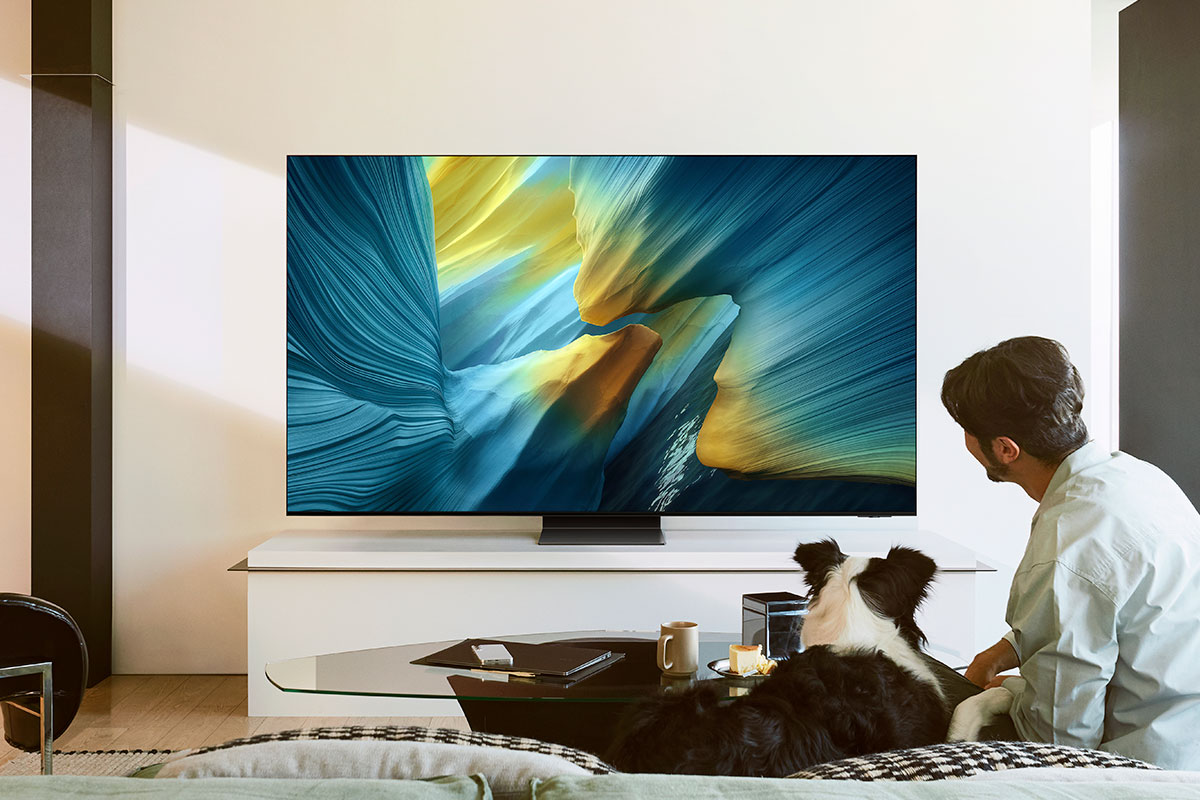
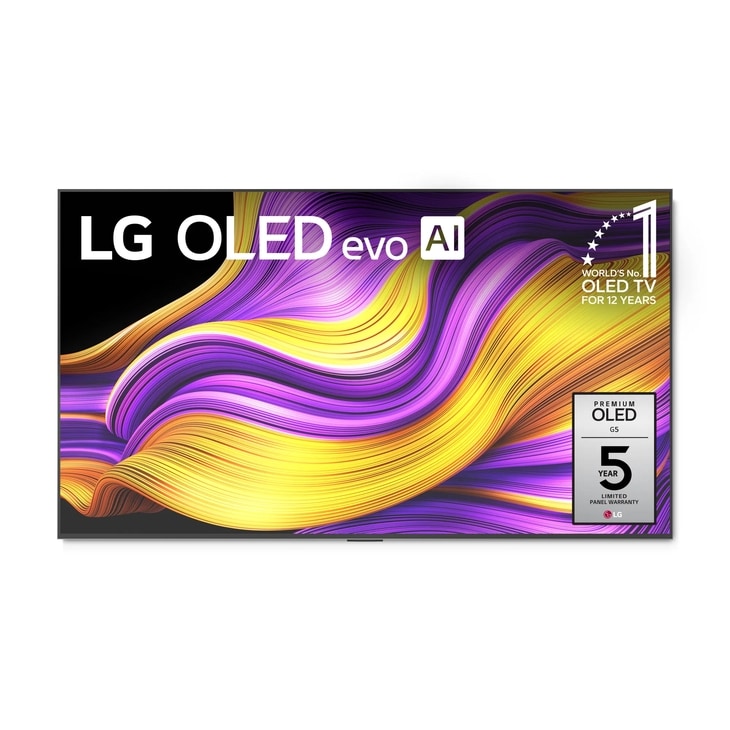
Samsung emphasizes its Glare Free screen and lists gaming support up to 165Hz. LG lists Dolby Vision and gaming support up to 165Hz for its 65-inch G5. Samsung's specification sheet lists HDR10+. Those capabilities do not, by themselves, establish which television has the better picture in your room.
Match the TV to the room
A bright living room and an evening movie room create different priorities. Visit a demonstration with both bright and dark material if possible. Ask to see a normal picture mode rather than relying only on vivid store settings. Look for reflections from the position where you would sit.
Screen treatments can change the appearance of reflections. We have not measured either television, so we are not declaring a winner for brightness, black levels or colour accuracy. Official marketing clips show intended features, not a controlled side-by-side test.
Gaming and movies: check the whole chain
LG's 165Hz claim requires a compatible PC and graphics output. A TV's maximum supported refresh rate is not a promise that every console, game or streaming programme runs at that rate. Check the source device, cable, resolution and settings together.
For movies, list the services and players you use, then check their HDR output against the exact television specification. A format logo is only one part of the experience; the source material and picture settings matter too.
Include installation in the decision
The US LG listing used here is the wall-mount version. Before ordering either model, confirm whether a stand is included, where the connections sit and whether your furniture or wall installation is suitable. Leave room for cables and any soundbar.
Get a written total covering delivery, installation and any required accessories. Compare local return policies and warranty coverage instead of relying on the launch price or a review from another country.
Our shortlist advice
Investigate Samsung if reflection handling is a major concern; investigate LG if Dolby Vision is part of your viewing setup. These are reasons to compare, not tested recommendations. See both with your kind of content and choose the better complete offer.
Is your TV mainly for daytime sport, evening films or PC gaming?
Sources & further reading
- https://news.samsung.com/us/samsung-introduces-2025-oled-tvs-samsung-vision-ai-next-level-glare-free-technology/
- https://www.lg.com/us/tvs/lg-oled65g5wua-oled-4k-tv
- https://images.samsung.com/is/content/samsung/p6pim/us/qn55s95fafxza/specsheet/us-specsheet-qn55s95fafxza-547829267.pdf
- https://www.youtube.com/watch?v=ePrN6aX-g6g

Conversation
Join the conversation
No password needed. Confirm your email once to publish your first comment. Comments appear automatically after verification.
No comments here yet. Start the conversation.