The announcement
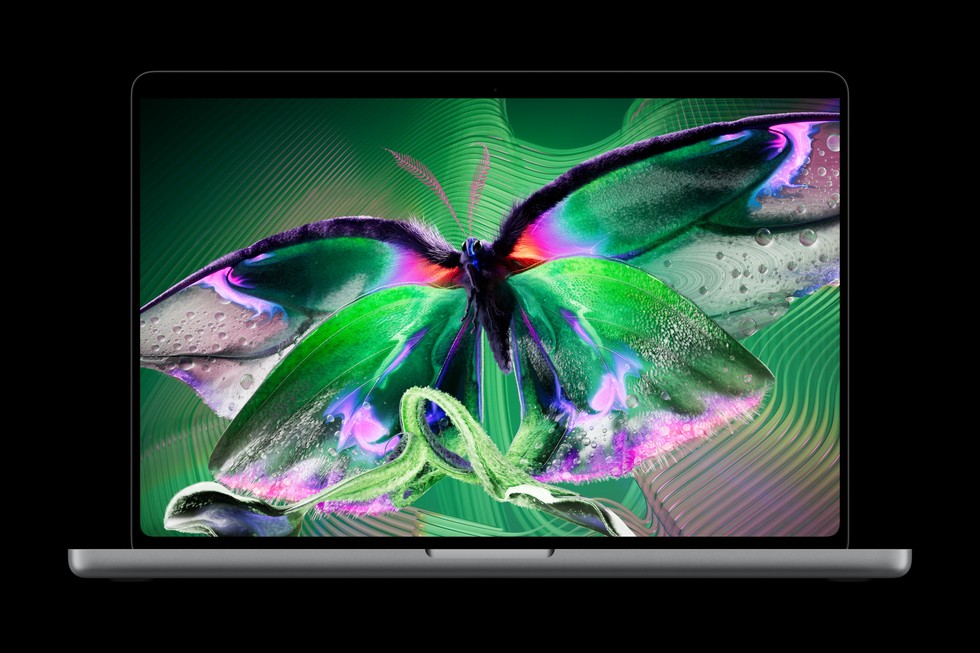
Apple announced 14- and 16-inch MacBook Pro models with a tandem OLED screen on October 28, 2026. The PROLED XDR display supports touch; these models use M5 Pro or M5 Max chips. Apple also brings Dynamic Island to this Mac design.
The company specifies a variable refresh rate up to 120Hz and peak brightness up to 2,000 nits. These are manufacturer specifications, not ClearTech measurements. This article covers the announcement; we have not tested the hardware.
What to check before upgrading
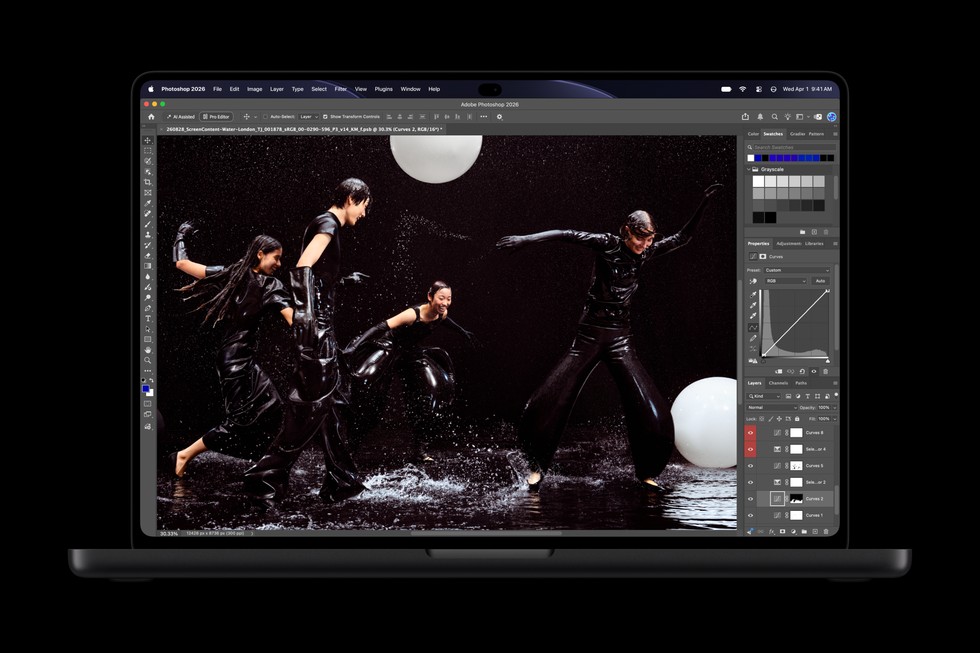
Start with your actual work. If you edit photographs, compare colour-management support in your applications. If touch interests you, check whether your most-used apps support the interactions you need. A touch-capable display does not by itself make every desktop interface easier to use.
Do not confuse this announcement with the separate base 14-inch M6 model. Check the exact product name, chip and display before comparing configurations. Storage and memory choices can matter more to an everyday workflow than a headline feature.
Join the discussion
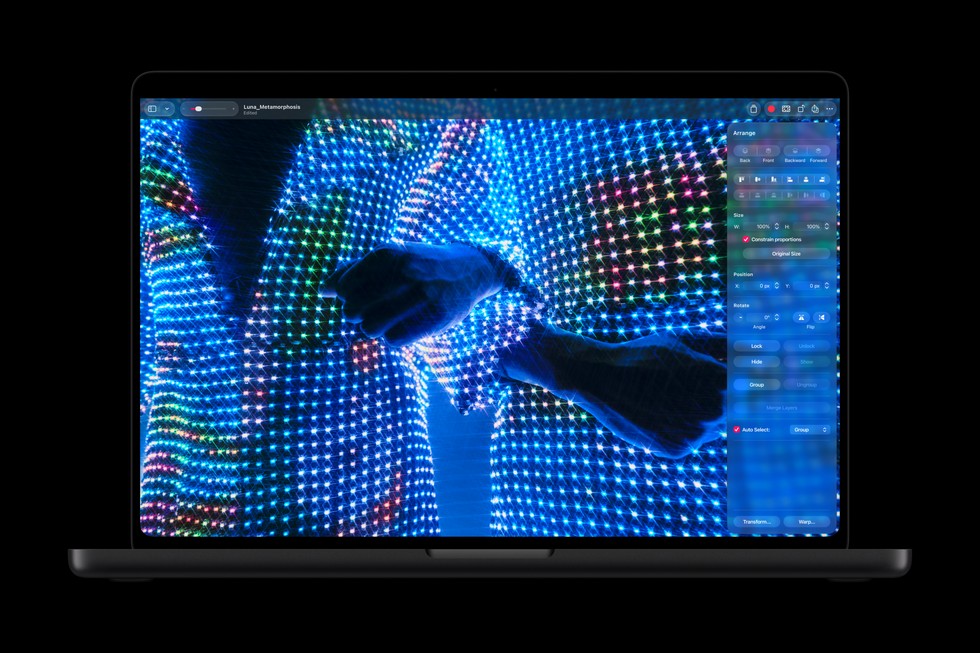
Would touch change how you use a Mac, or would you still prefer a trackpad? Explain your workflow below. Details checked November 4, 2026; use Apple’s current product listing for regional availability.

Conversation
Join the conversation
No password needed. Confirm your email once to publish your first comment. Comments appear automatically after verification.
No comments here yet. Start the conversation.