What changed
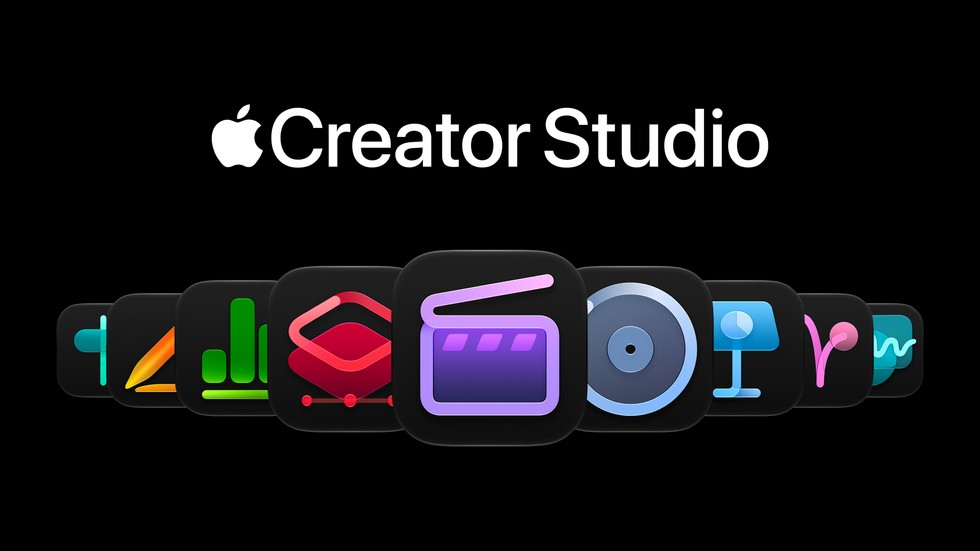
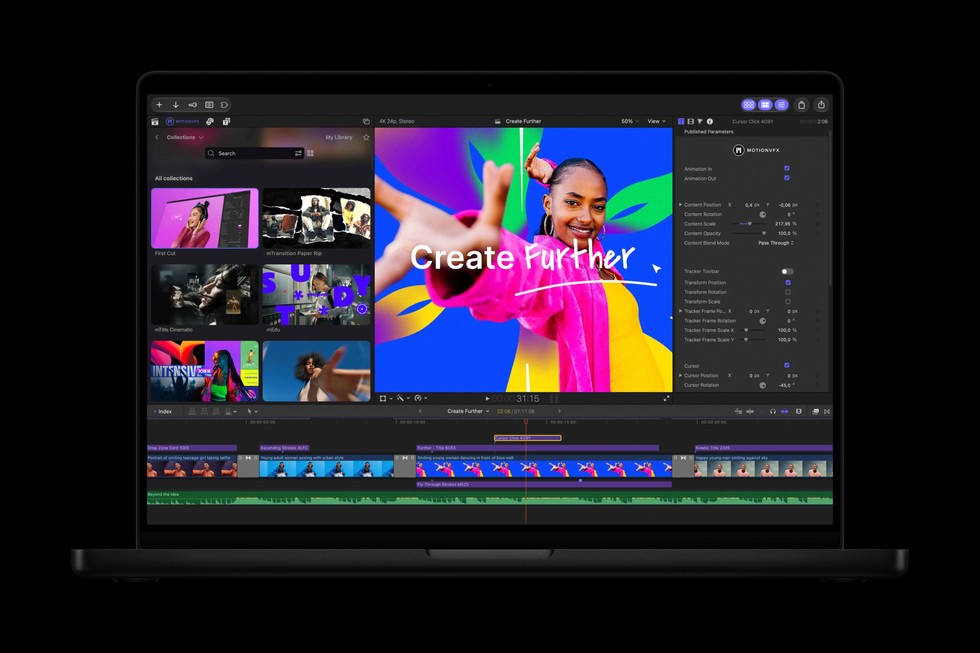
Apple’s October 27, 2026 announcement expands Creator Studio with new creative tools. Final Cut Pro for Mac gains integrated MotionVFX content and a closer workflow with Pixelmator Pro. The Content Hub adds video assets. Logic Pro for Mac receives an intelligent assistant in beta and changes to its sound-browsing and separation tools.
Apple also describes intelligence updates for productivity apps. Availability is feature-specific: a bundle spanning Mac, iPad and iPhone does not mean every feature exists on every device. Some features have hardware, language or other requirements listed in the announcement’s footnotes.
Before changing your workflow
Our advice is to pick one real project and identify the step you want to improve. Check whether the relevant feature is in your application, on your platform, and included with your purchase or subscription. Avoid subscribing on the assumption that a headline feature works on all your devices.
Keep a copy of important projects before testing a changed workflow. Compare the result against your existing setup rather than assuming AI assistance always saves time.
This is a source-based update, not a hands-on review. Which matters more to you: faster video editing, audio cleanup, or presentation design?
Conversation
Join the conversation
No password needed. Confirm your email once to publish your first comment. Comments appear automatically after verification.
No comments here yet. Start the conversation.