Google's October 29 update adds a practical ingredient to its AI research tool: textbooks that students can select inside a notebook. The useful part is not simply getting a faster answer, but being able to return to the material behind it.
What Google announced
Gemini Notebook, formerly NotebookLM, now offers hundreds of textbooks from providers including OpenStax, Open Textbook Library and S Chand Publishing. Google says access to these titles is available at no charge.
Inside a notebook, choose Add sources, then Textbooks to browse the available catalog. Google describes answers with inline citations and links to the original source, alongside study outputs such as practice quizzes and flashcards. A catalog is not a promise that every course's required edition is included.
A workflow worth trying
Start with one chapter and one question you need to understand. Ask for a short explanation, open its citations, and compare the answer with the original passage. Then ask for a practice question and attempt it before revealing the solution.
For example, a useful prompt is: “Explain this concept using only the selected chapter, cite the supporting passage, and tell me what the chapter does not establish.” That final request helps separate the source's limits from a fluent-sounding answer.
Check the edition and the evidence
Match the textbook edition and chapter to your course. Treat generated explanations as study aids, not substitutes for reading or an instructor's marking criteria. Keep your own notes about why an answer is correct.
Google's help page also warns that changing or deleting a source does not automatically update previously generated Studio outputs. Revisit an older summary after replacing source material rather than assuming it changed with the notebook.
Only add documents you have permission to upload. For assessed work, follow the institution's AI rules and keep a record of your sources. This is a documented-feature overview, not a measured comparison of AI accuracy.
Would you use this primarily for quizzes, explanations or reviewing a difficult chapter?
Watch the official video
Google’s July 2025 video demonstrates the earlier NotebookLM product and its Video Overviews. It is background, not a demonstration of the October 2026 textbook catalog.
Photo credit
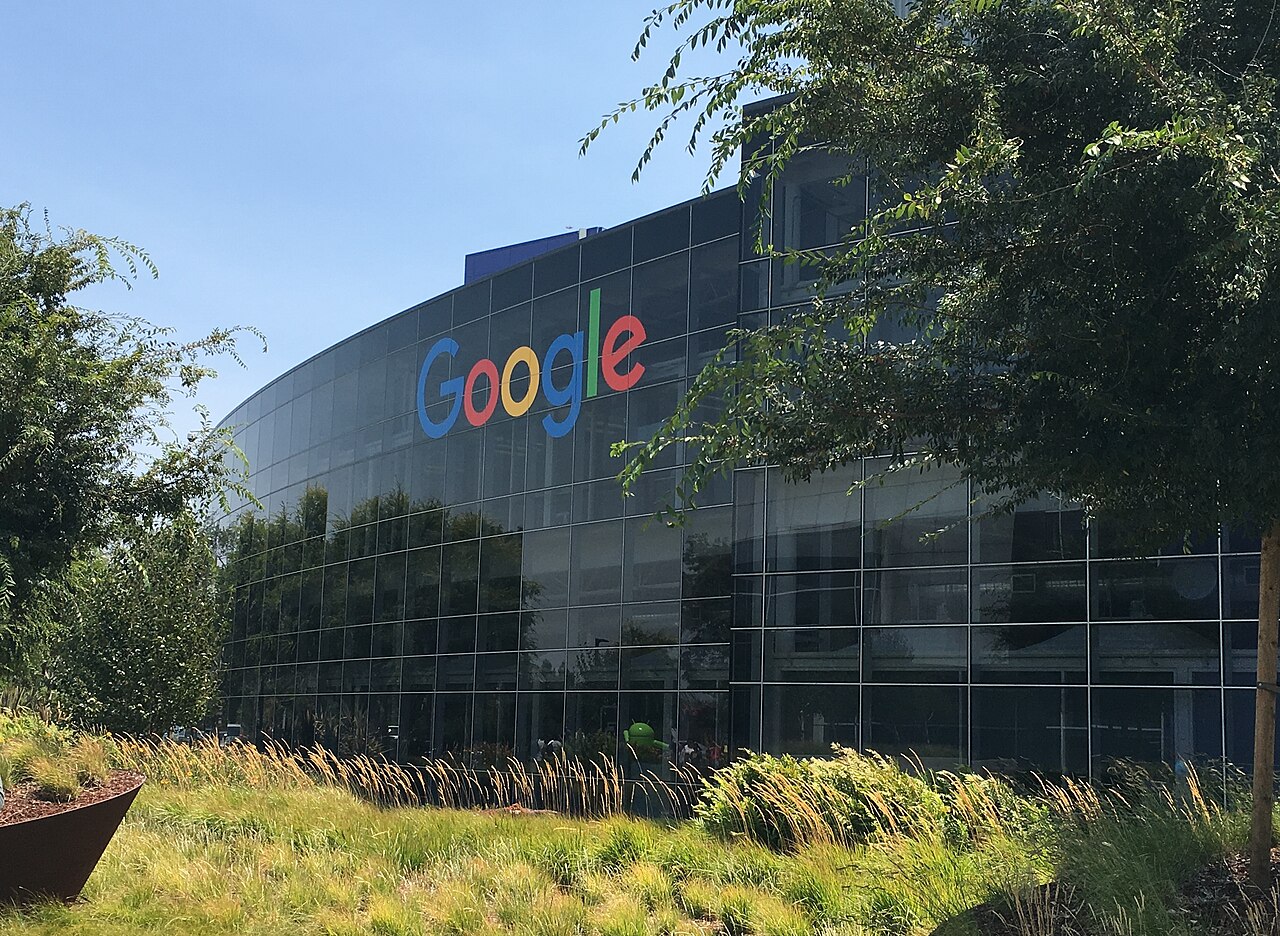
Asoundd — original photograph · CC BY-SA 4.0. Reduced-size copy; card previews may be cropped. No endorsement is implied.

Conversation
Join the conversation
No password needed. Confirm your email once to publish your first comment. Comments appear automatically after verification.
No comments here yet. Start the conversation.