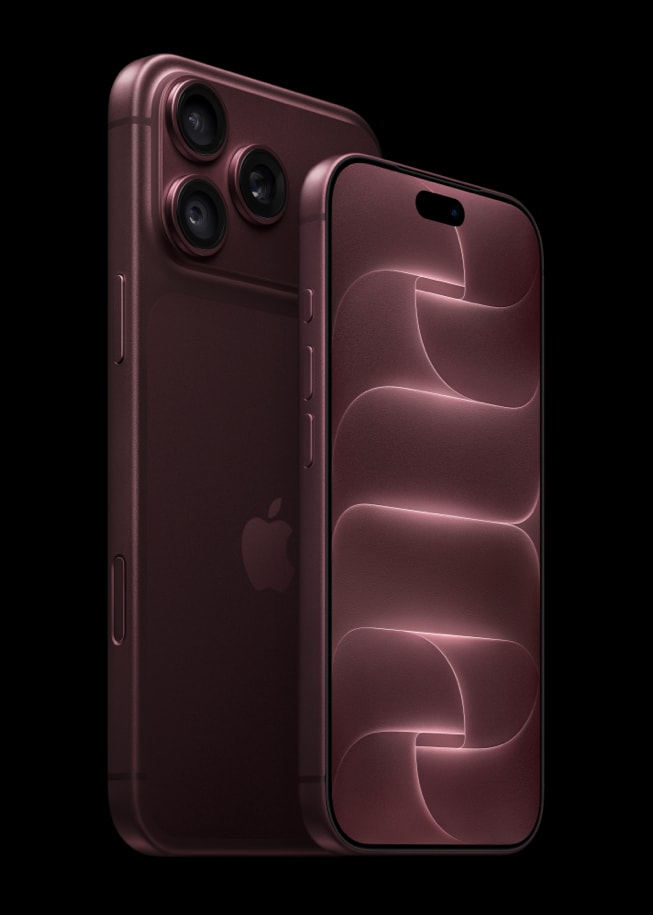
A camera-focused update
Product explainer, not a hands-on review. Checked November 4, 2026. Apple announced iPhone 18 Pro and Pro Max on September 9. Its headline change is a 48MP main camera with variable aperture. The company also lists A20 Pro, revised thermal management and new manual camera controls.
Aperture controls how much light enters through the lens opening. Changing it can also affect how much of a scene appears sharp. That gives photographers another decision to make; it does not guarantee that every photograph will look better. Lighting, movement, focus and processing still matter.
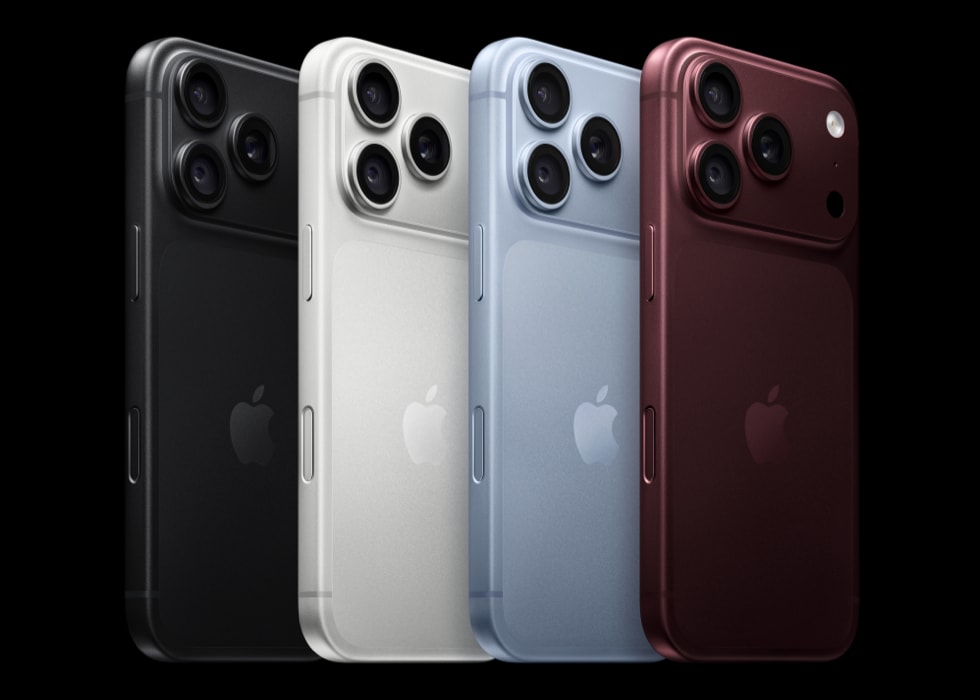
Who is the upgrade for?
Start by identifying what your present phone cannot do. Is a moving subject often blurred? Do you want more control over exposure? Are you running out of storage while recording? An upgrade should address a recurring limitation, rather than simply add another specification.
Apple describes controls for aperture, shutter speed and white balance. If you enjoy making those decisions, this is a feature worth investigating. If you usually share quick automatic snapshots, compare real output and handling before treating the camera controls as essential.
How to compare it fairly
Use the same subject, distance and lighting on your existing phone and a demonstration unit when possible. Look at faces, moving objects and fine details rather than judging only a bright landscape. Check how the images look at your normal sharing size, not just when zoomed in.
For video, test the recording mode you would actually use. Consider storage, file transfer, microphones and editing software as part of the purchase. A demanding recording workflow can involve more than the cost of the phone.
Pro or Duo?
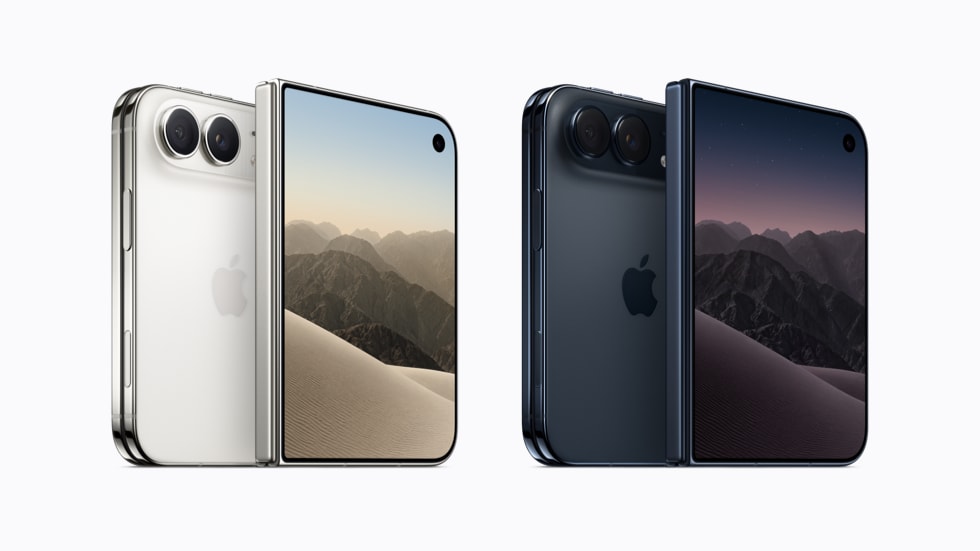
iPhone Duo explores a folding layout; this article focuses on the conventional Pro form and camera controls. Your choice should start with the interaction you want, not the assumption that the more unusual design is automatically better.
Apple's battery and performance figures use specified test conditions. We have not independently reproduced them. We also have not tested camera quality, heat or sustained gaming performance, so this is a shortlist guide without a score or a claimed winner.
Would you use manual camera settings, or do you prefer the phone to make those decisions?

Conversation
Join the conversation
No password needed. Confirm your email once to publish your first comment. Comments appear automatically after verification.
No comments here yet. Start the conversation.