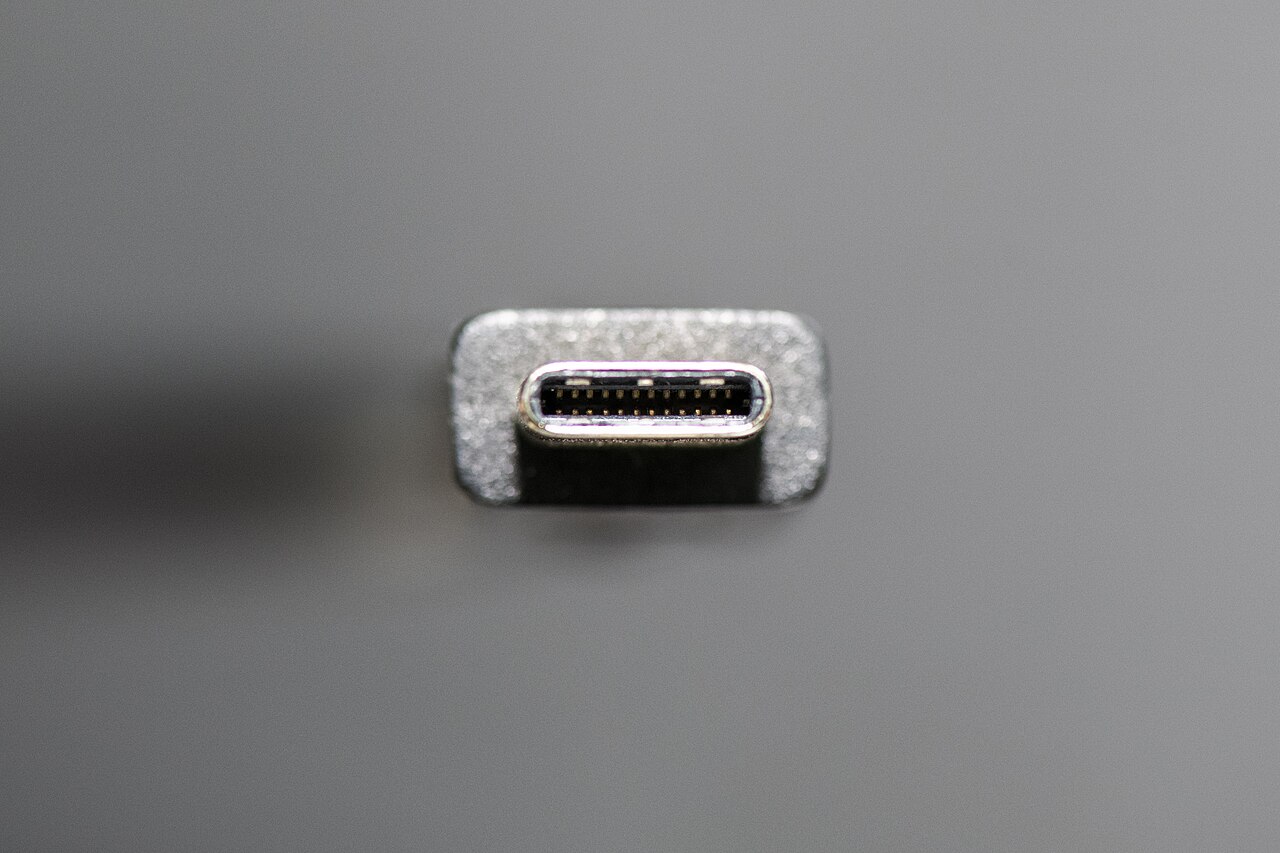
A USB-C connector describes a connection shape, not a promise that every charger, cable and laptop will work together. Avoid buying another adapter until you know which part of the chain is incompatible.
1. Check the laptop's charging port
Use the laptop manual to identify the port intended for charging. If several USB-C ports look alike, test the documented charging port first. Connect directly rather than through a monitor or dock while diagnosing the problem.
2. Check the charger requirements
Microsoft lists insufficient charger power and incompatible chargers among the causes of slow charging or battery drain while plugged in. Start with the supplied or manufacturer-recommended charger. A phone charger may fit but still not meet the computer's requirements.
If the laptop loses charge only during demanding work, note that difference. Compare its behaviour while asleep with its behaviour during a game or export; Microsoft recommends sleep or shutdown to speed charging.
3. Check the cable, not just the power brick
The cable must support the required power as well. USB-IF distinguishes USB-C from USB Power Delivery; the connector alone does not specify the charging capability. Its cable certification programme uses power-rating labels. Those labels describe a cable's capability, not the power your laptop will necessarily receive.
4. Remove extra variables
Disconnect accessories and test the recommended charger and cable directly. Change one component at a time and record the result. For a multiport charger, consult its output table for the particular combination of occupied ports rather than assuming its headline wattage is available everywhere.
Stop using visibly damaged equipment. If the documented charger and cable still fail, give the manufacturer the laptop model, charger details and test results.
For display problems through the same dock, use the second-monitor checklist.
Photo credit
European Commission — original photograph · CC BY 4.0. Reduced-size copy; card preview may be cropped. No endorsement is implied.


Conversation
Join the conversation
No password needed. Confirm your email once to publish your first comment. Comments appear automatically after verification.
No comments here yet. Start the conversation.