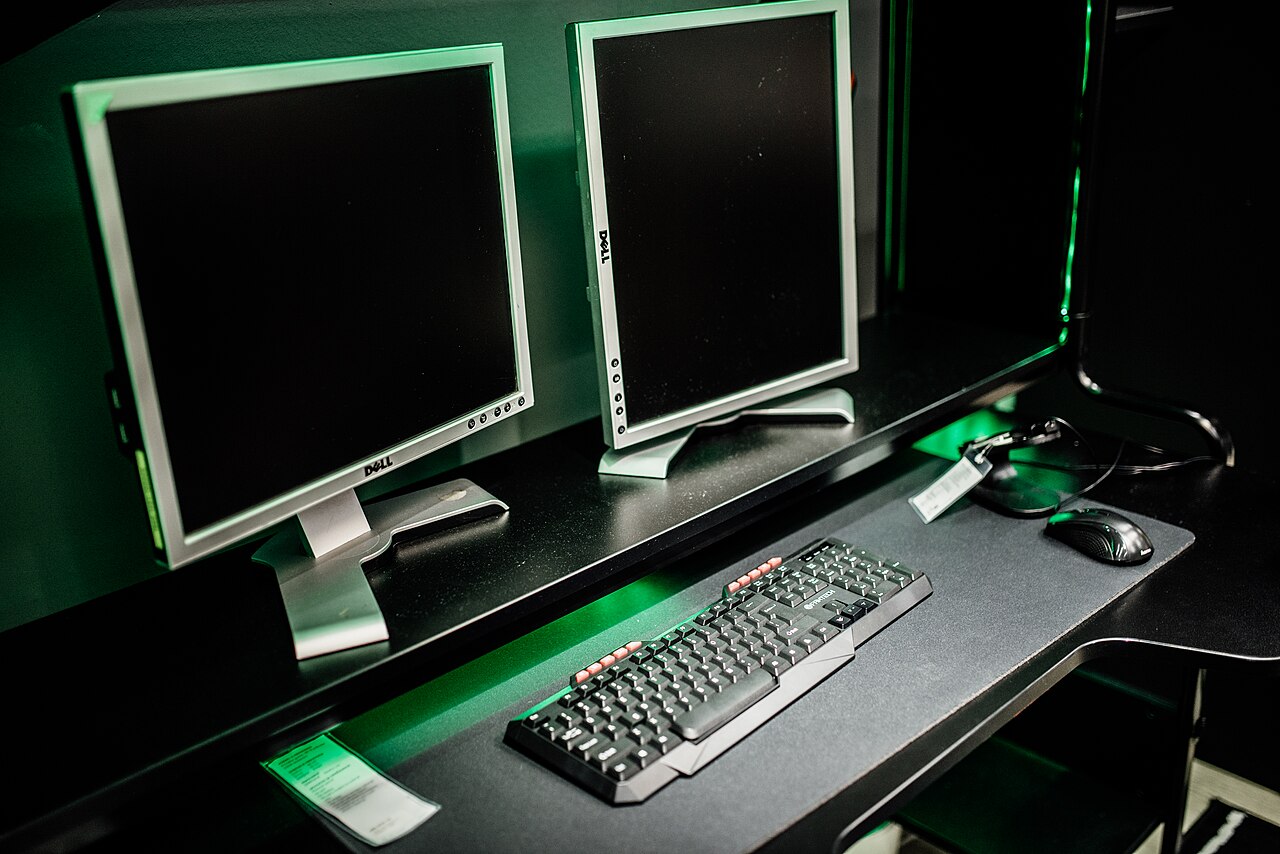
A second monitor that stays dark does not automatically need replacing. First separate three situations: the screen has no power, it shows “no signal,” or it mirrors your laptop when you wanted extra workspace. Each points to a different check.
Start with one direct connection
Turn on the monitor and select the input that matches your cable. Disconnect the dock and extra adapters if a direct connection is possible. Check both cable ends, then test a different cable or video output. Trying the monitor with another computer helps distinguish a display problem from a laptop problem.
Tell Windows what you want
Press Windows + P and select Extend. Duplicate intentionally shows the same desktop on both screens. In Settings → System → Display, identify the screens and arrange them to match your desk. Use the detection option if the second display is still absent.
Check what the hardware supports
A splitter does not create two independent desktops: it repeats one signal. For a dock or USB-C adapter, check the laptop manufacturer's supported display count and connection requirements. A matching connector alone is not proof that the entire setup supports the screens you want.
If it worked yesterday
Restart the computer. Microsoft also suggests Windows + Ctrl + Shift + B to reset the graphics driver. If the fault began immediately after a driver update, consult Microsoft's linked rollback instructions rather than downloading a driver from an unfamiliar site.
Record which monitor, cable and port combinations work. That short test log gives support something useful to investigate and can prevent buying a replacement that solves the wrong problem.
For a separate charging issue, see our USB-C charging checklist.
Source-based troubleshooting guide; menu wording may vary with the Windows build.
Photo credit
Nenad Stojkovic (Shixart1985) — original photograph · CC BY 2.0. Reduced-size copy; card preview may be cropped. No endorsement is implied.

Conversation
Join the conversation
No password needed. Confirm your email once to publish your first comment. Comments appear automatically after verification.
No comments here yet. Start the conversation.