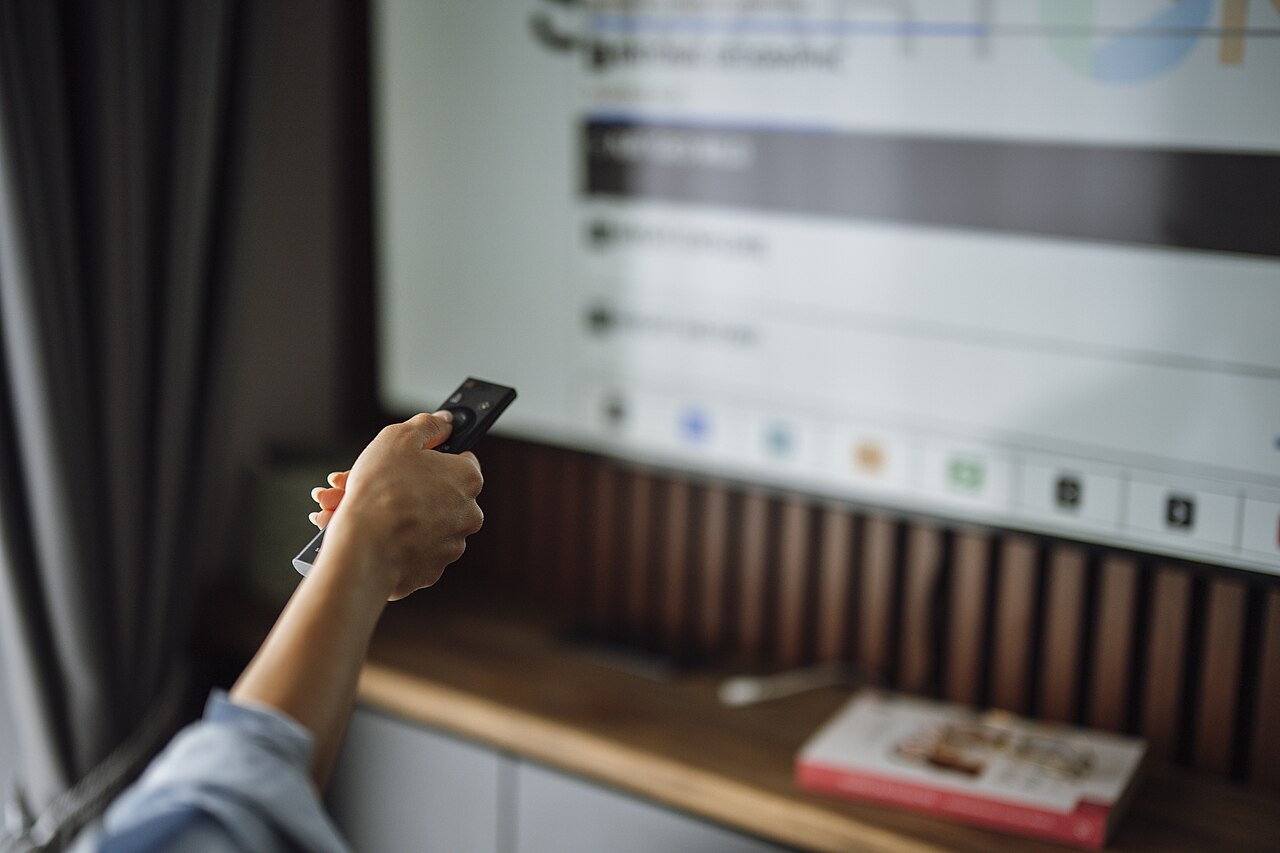
Start with your room, not a technology slogan. Note where windows and lamps reflect in the screen, when you normally watch and whether you can control the light. A showroom demonstration may not resemble your living room.
What the two labels mean
OLED uses self-emitting pixels. Mini-LED describes an LCD backlight using small LEDs, typically grouped into dimming zones. These approaches make different compromises, but neither label alone tells you how a particular television handles a window reflected in its screen.
For daytime viewing
Compare brightness and reflection handling together. LG's picture-quality guidance highlights both, and its OLED-versus-Mini-LED explanation acknowledges that modern OLED brightness has improved. Do not automatically exclude all OLED televisions or assume every Mini-LED set will look better in daylight.
Use the exact model and screen size when looking for measurements. Ask to see ordinary programme material as well as a bright demonstration loop. If possible, compare with lighting similar to your room and settings you would actually use.
For evening films
Include a dark scene and subtitles in your comparison. Look at shadow detail, the appearance of bright objects against a dark background and the image from your usual seating positions. Those observations may matter more to you than a single peak-brightness number.
Make a short buying checklist
Write down your viewing distance, available width, mounting requirements and budget. Add the ports and gaming features your actual devices need. Then compare two or three specific models rather than every OLED with every LCD.
Manufacturer explanations are useful for terminology but also promote their own products. This guide does not claim independent measurements or choose a universal winner. For a model-specific starting point, see Samsung S95F versus LG G5, which compares two 2025 OLED models.
Photo credit
Nenad Stojkovic (Shixart1985) — original photograph · CC BY 2.0. Reduced-size copy; card preview may be cropped. No endorsement is implied.

Conversation
Join the conversation
No password needed. Confirm your email once to publish your first comment. Comments appear automatically after verification.
No comments here yet. Start the conversation.